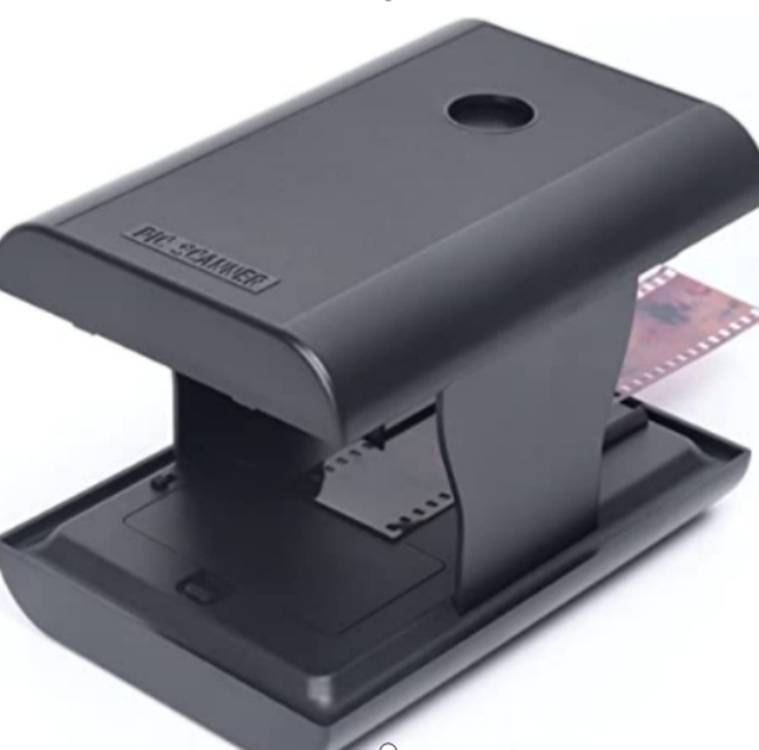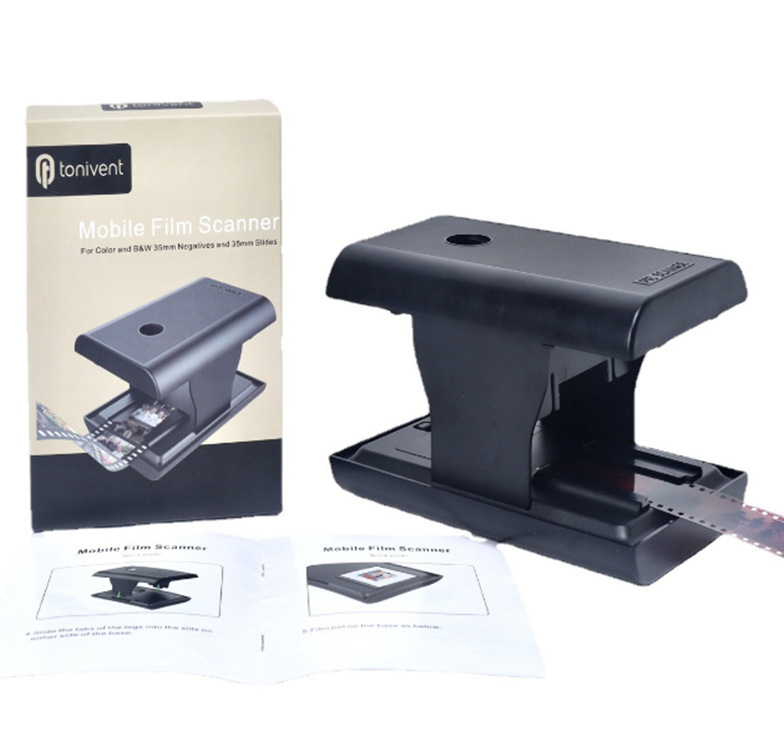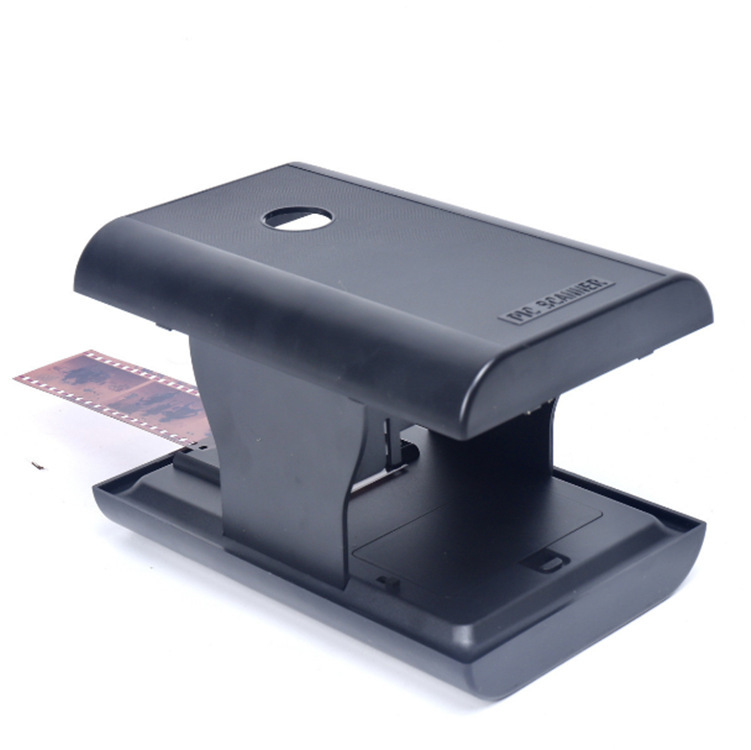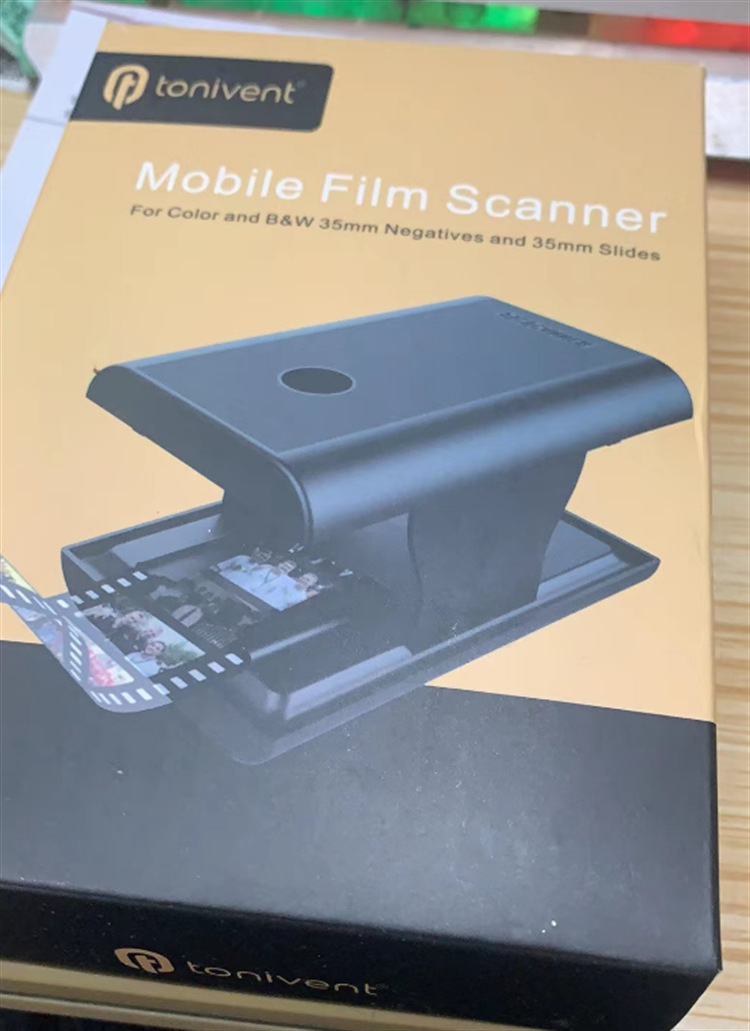
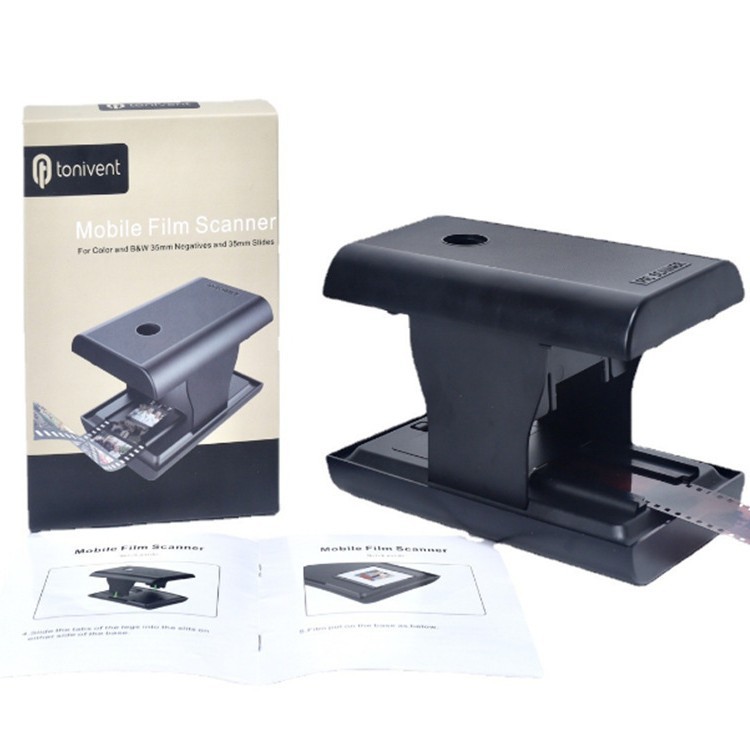


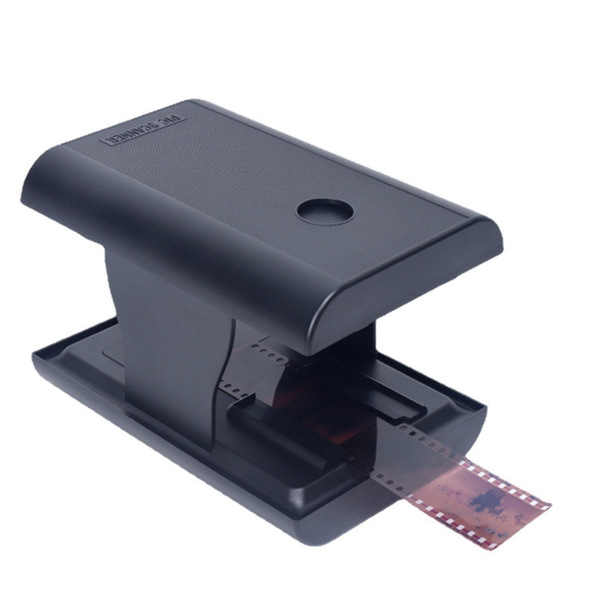
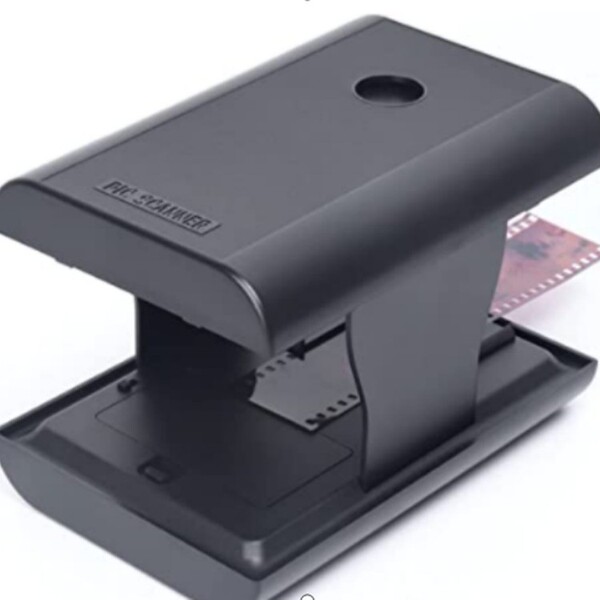
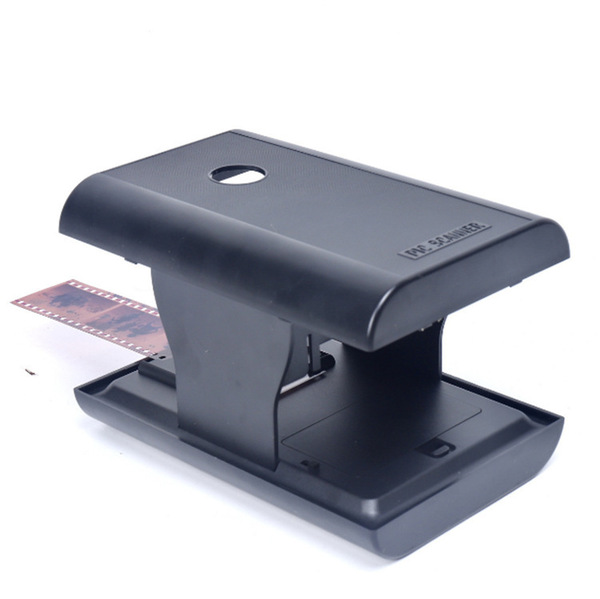
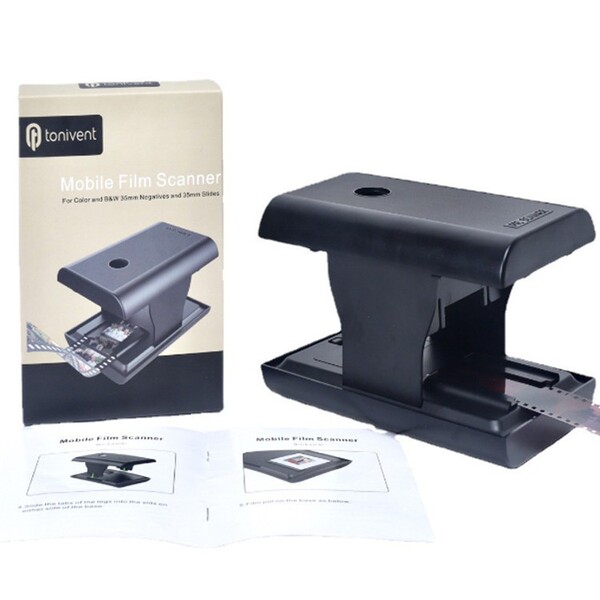
Product: Folding bracket EN168 Smart Phone Filin negative slide scanner film…
With the passage of time, the photos of them gradually yellow, and the memories faded away. The strength of the nine cattle and two tigers was swept into the computer with the scanner. It was yellow.After scanning, you need to adjust the brightness and color multiple times before you can see it.With the mobile phone negative scanner, everything is very simple. As long as you easily put the negatives on the shelf, insert it into the film scanner, and press the fast photo key. It only takes less than 2 seconds to time.
You can convert the picture on the negatives into a digital photo permanently on the phone.Convenient to share with friends
feature of product:
Small and light, product size: 15.5*10.5*4cm
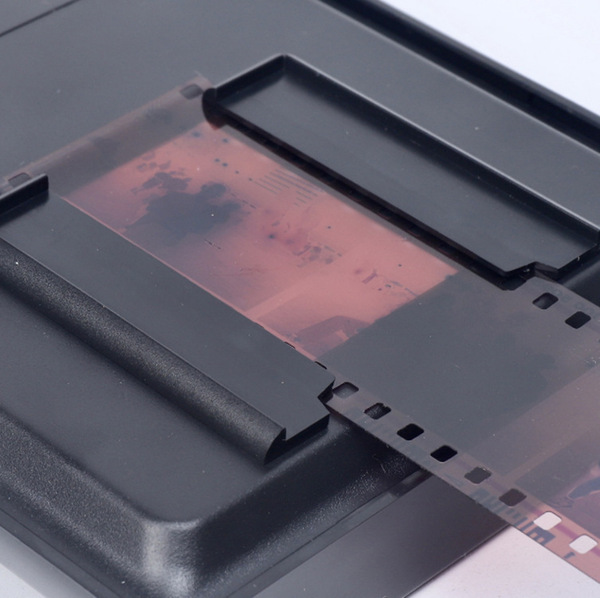
Support 35mm/135mm color positive film, negative film, color and black and white slide
Support the preview, playback and editing function of images
Scanning quality: It has something to do with the pixels of using the mobile phone camera
File format: Picture: JPEG
Support mobile phone system: Android system Apple system phone
Use your mobile phone to scan the QR code on the product to download the APP or search Film-Scanner directly on the mobile app store to download the EN168 Film Scanner software
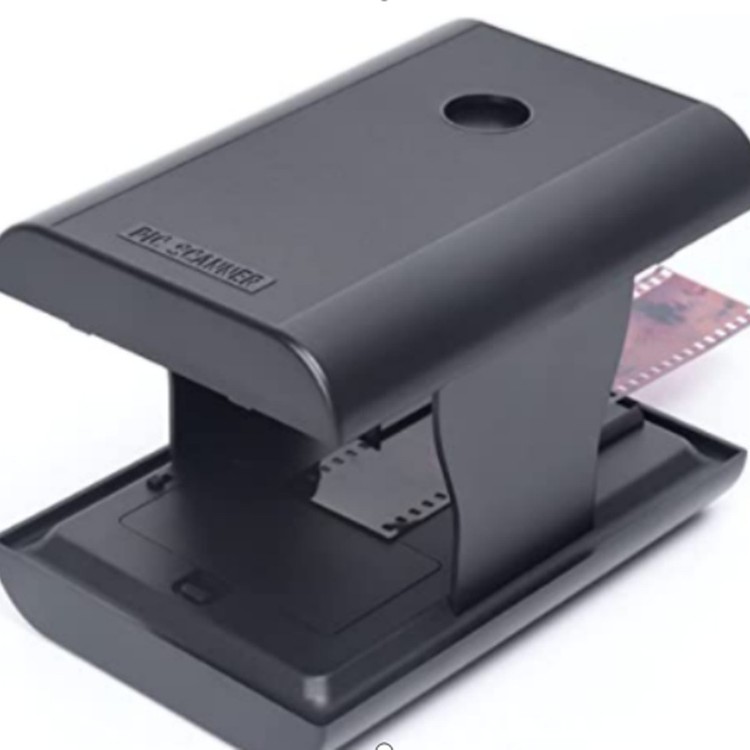
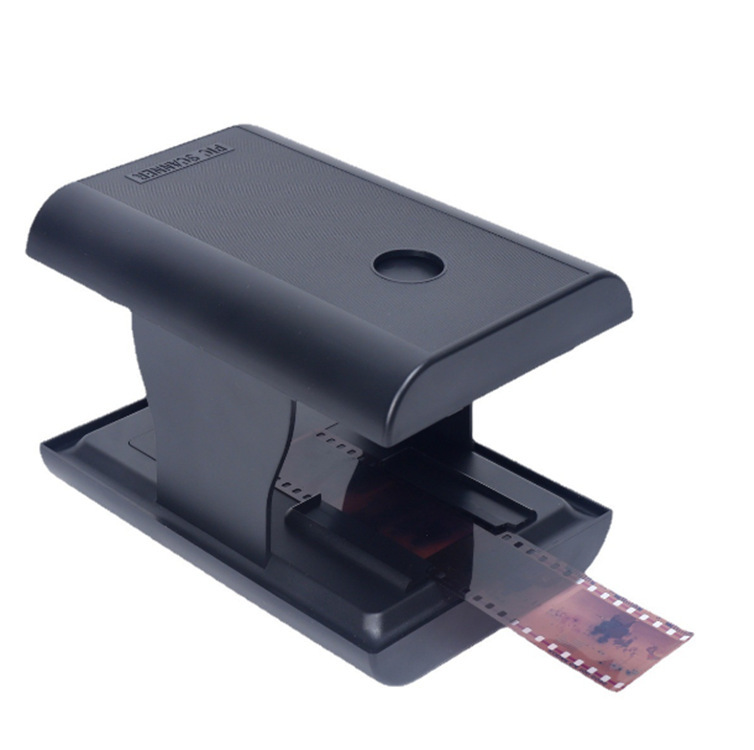
[Folding and saving space design] The scanner can be folded and does not take up too much space. It can be folded into a small box size for easy storage and travel.
[Nostalgic Classic] Compatible with 35m/135mm slides and negatives.There are no more complicated operations and expensive expenses.
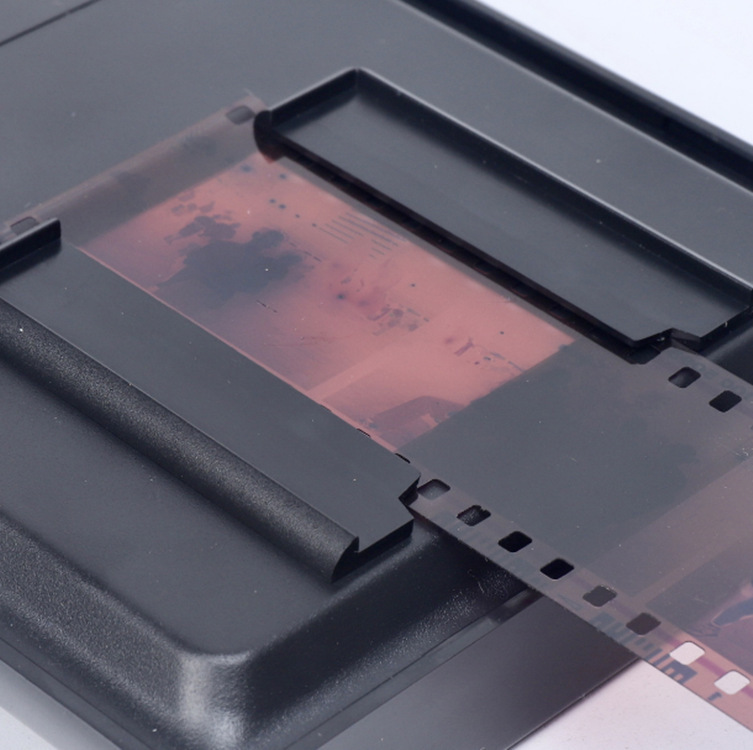
[Simple and easy to use] Insert the slide or negatives into the tray, open the built -in LED backlight, place the smartphone lens above the hole, and click to shoot.Please note: The quality of the photo will be limited to the resolution of your mobile phone camera.
EN168 mobile film scanner allows you to convert the old 35mm/135mm movie and slide movies in your smartphone.This scanner is also a good gift for parents to send children.
[Free scanning editing and sharing] Use free EN168 application capture, cutting, rotation and filter; adjust the color and contrast; share on social media!