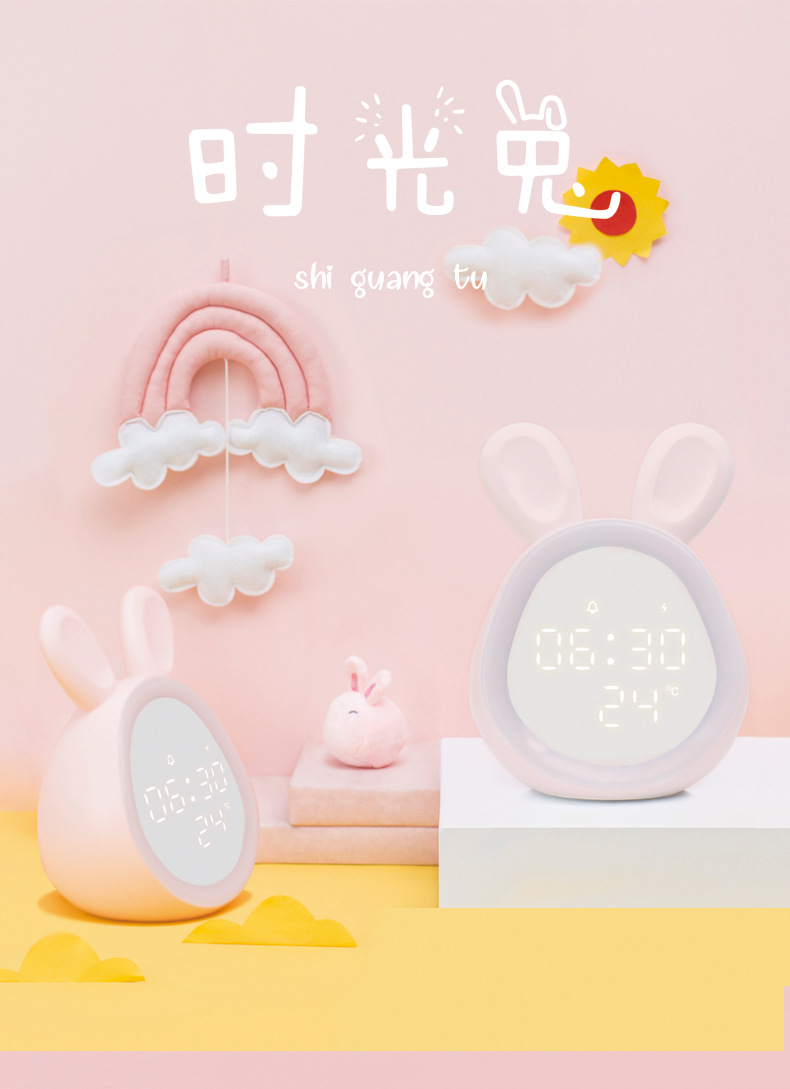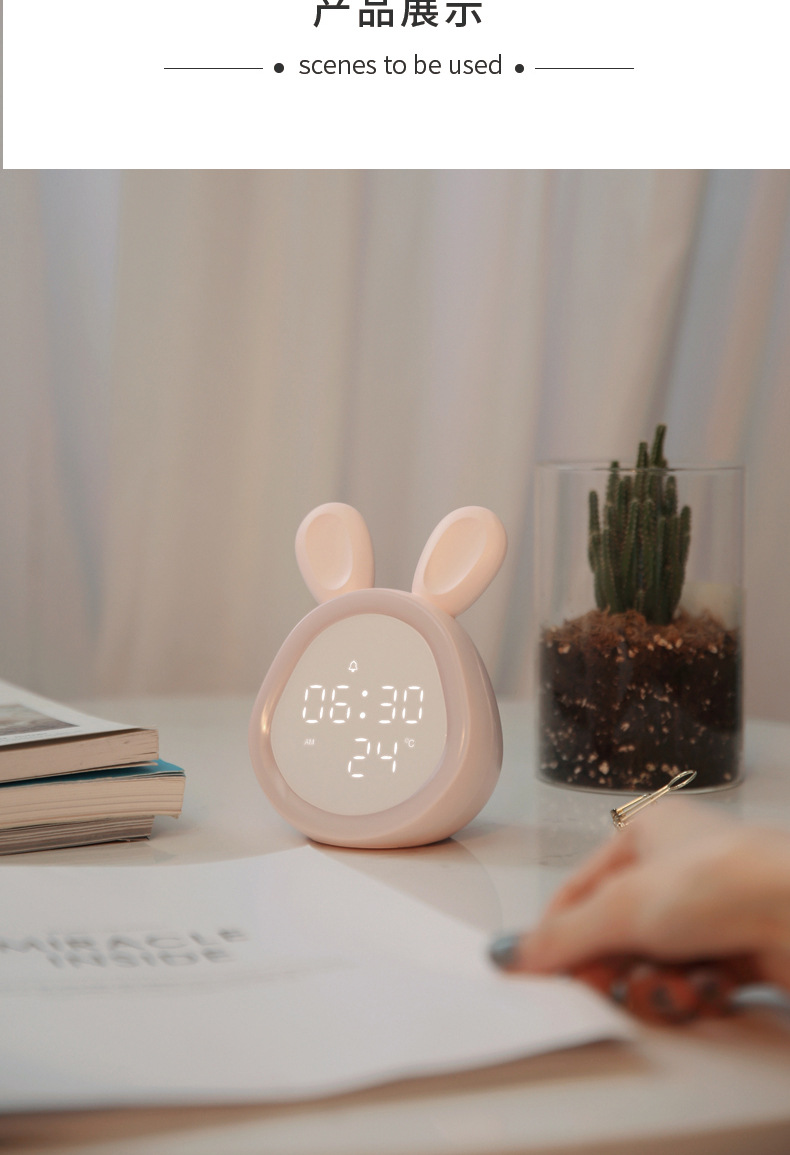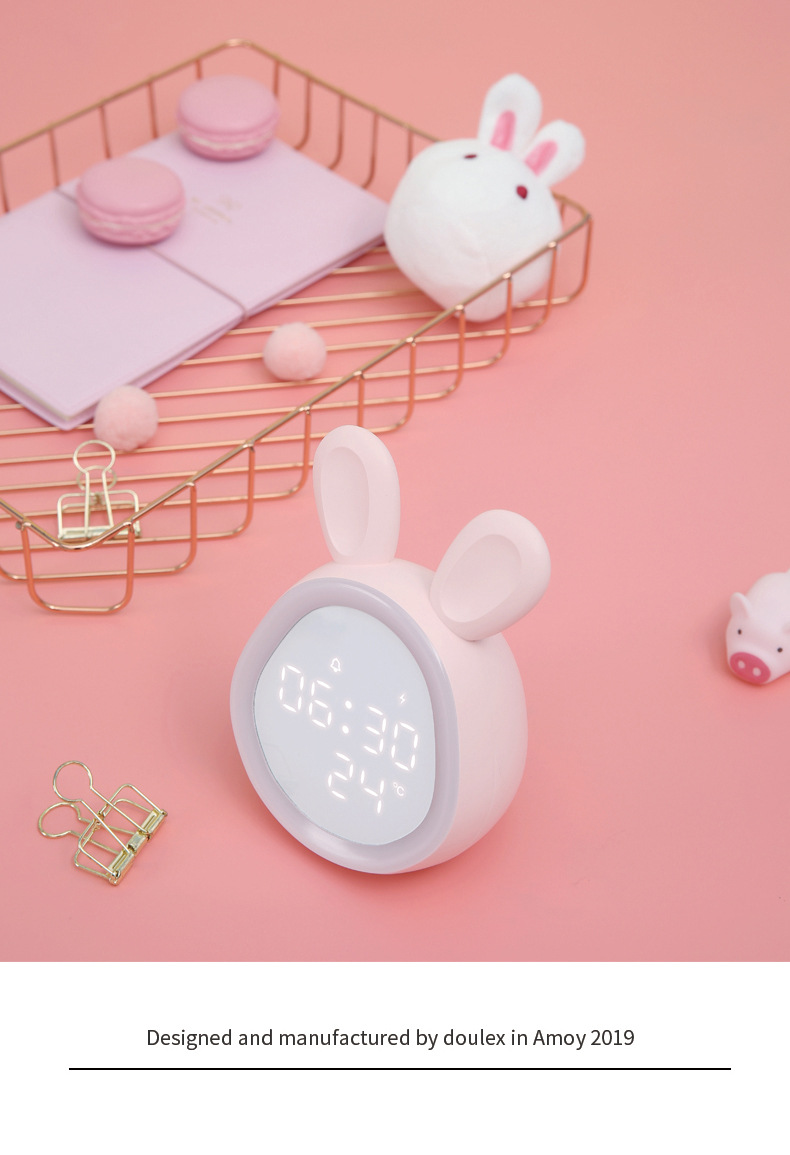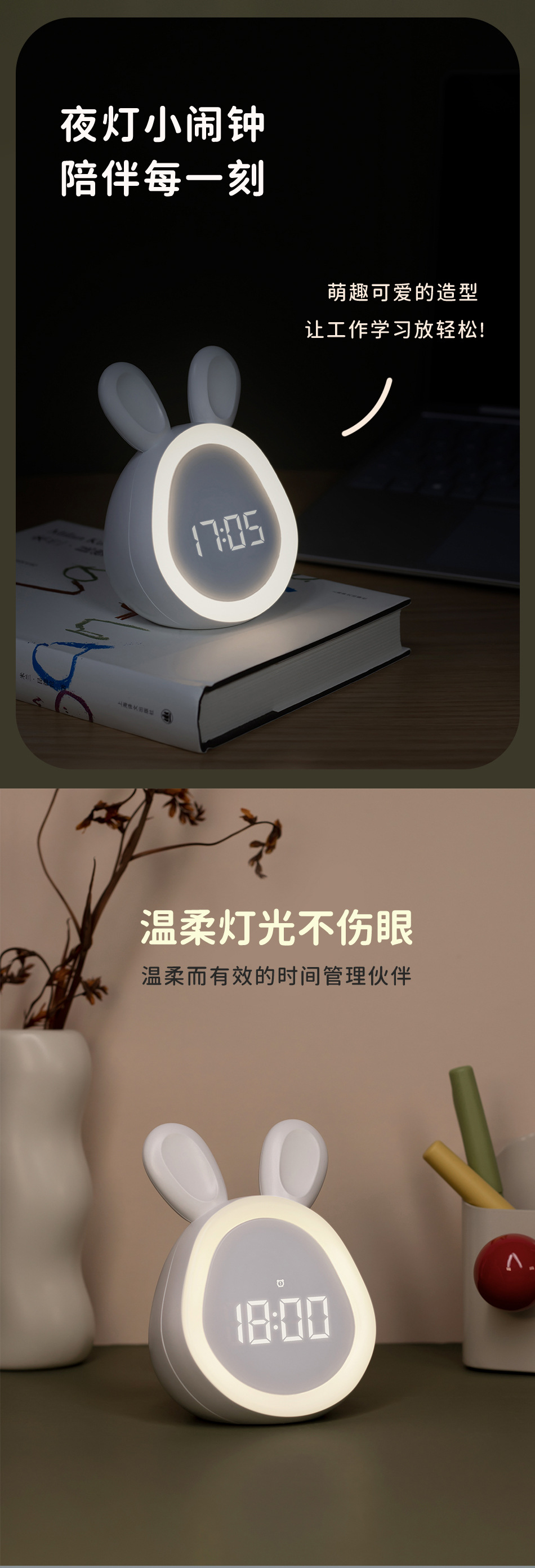
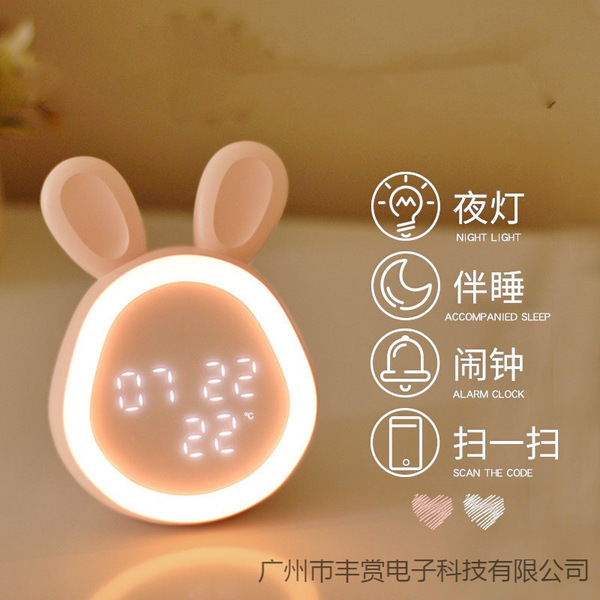
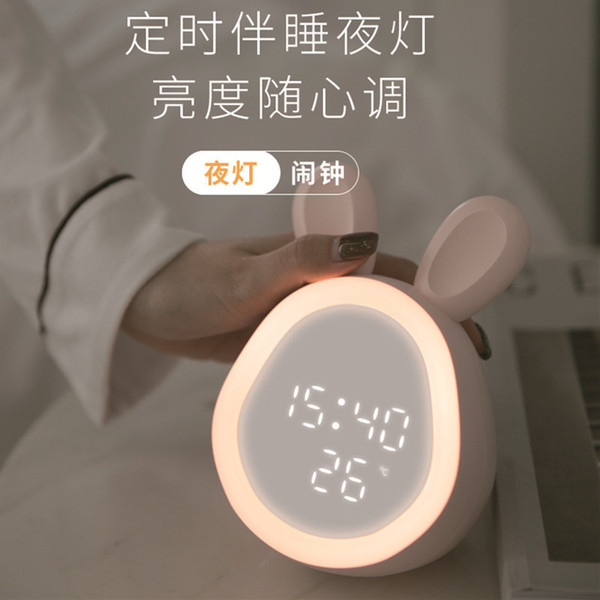
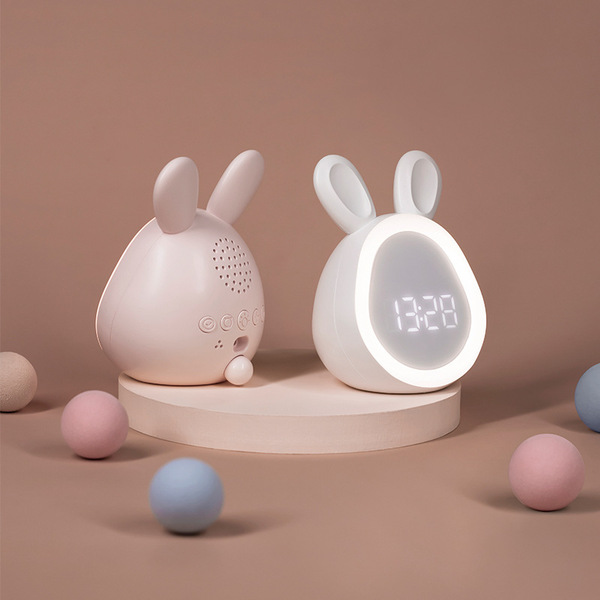
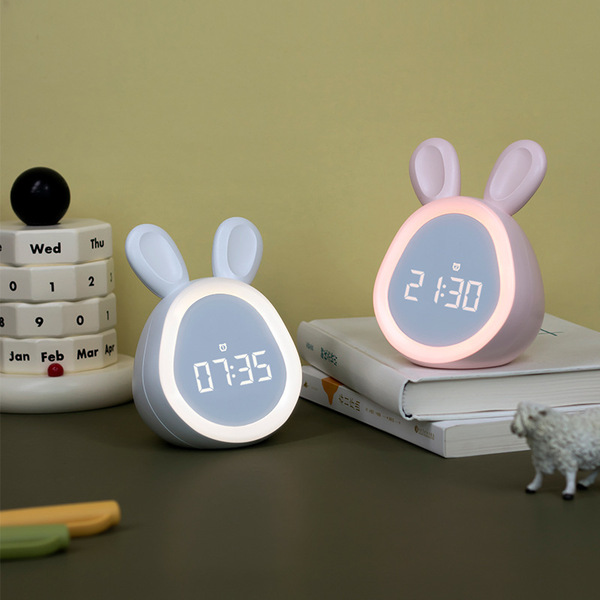
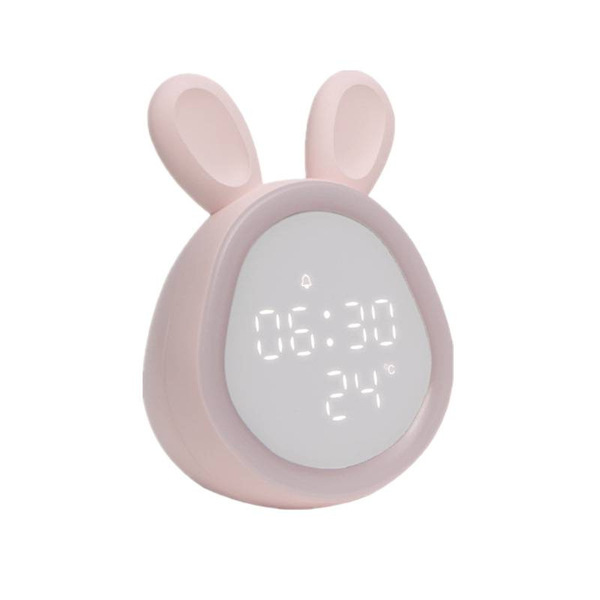


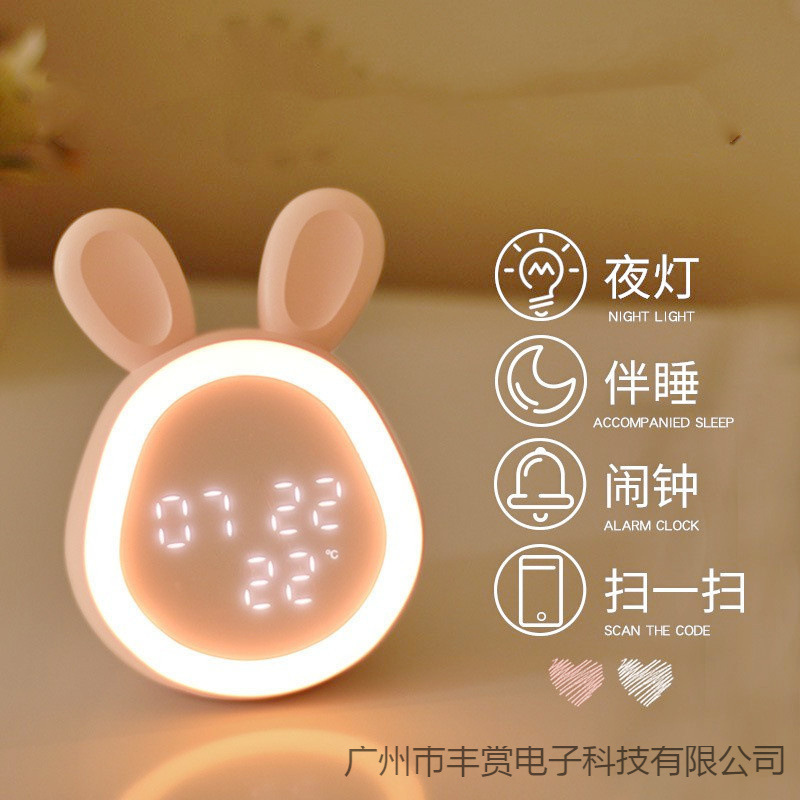


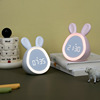
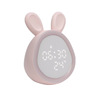
Product: Cute Time Rabbit Alarm charging LED luminous digital clock with lamp…
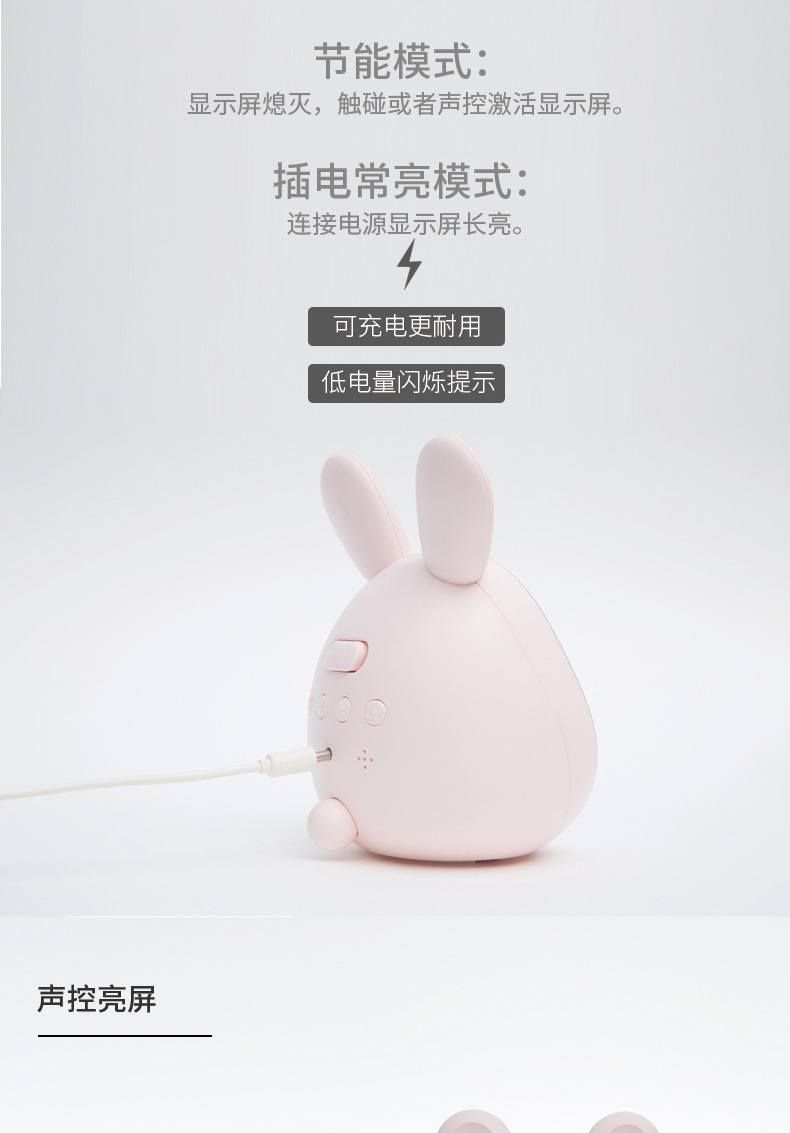
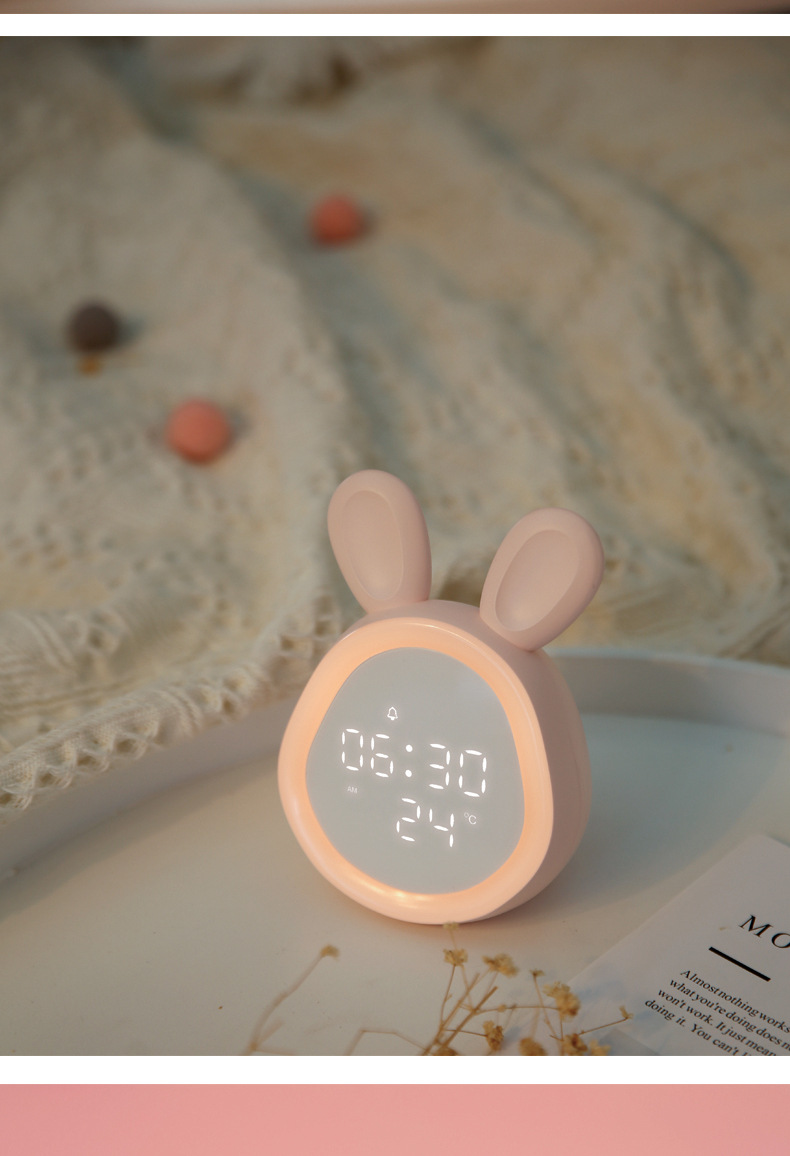
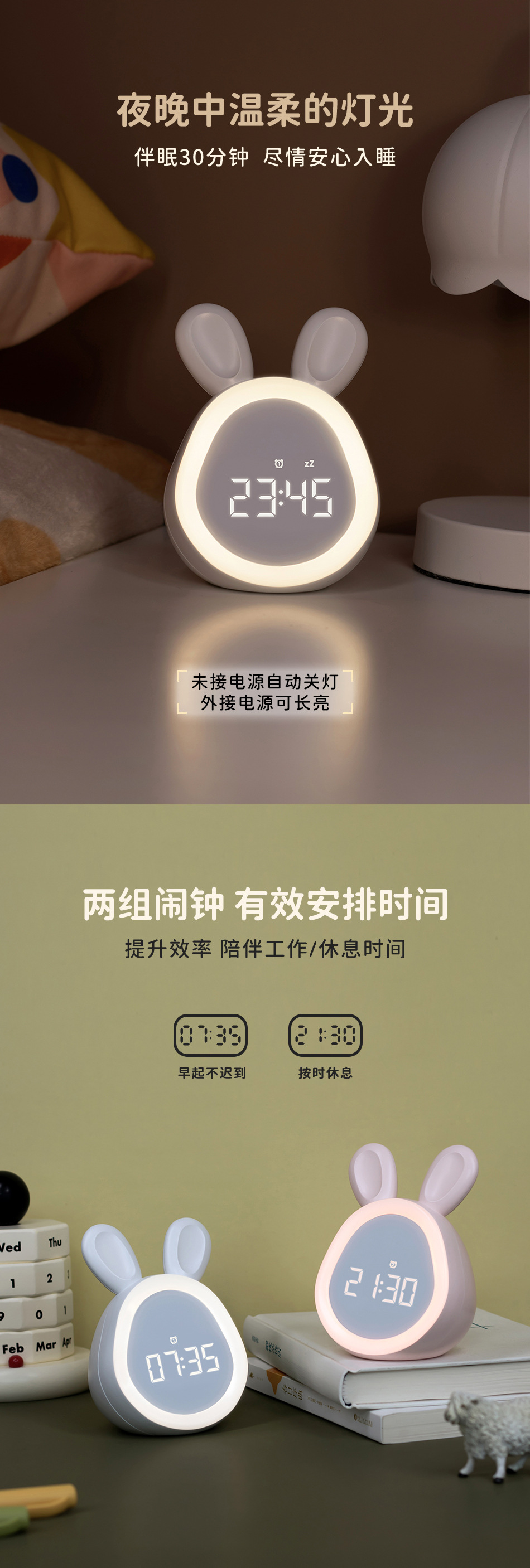
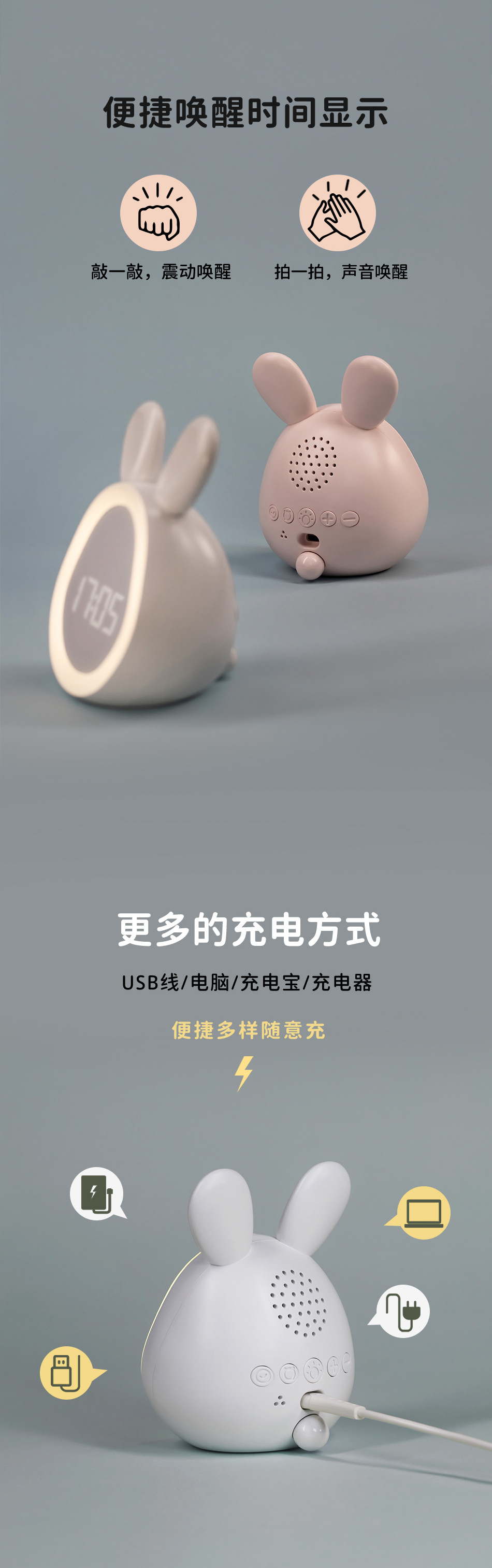
The screen and night light can stay on while the alarm clock is charging, and will turn off when fully charged.
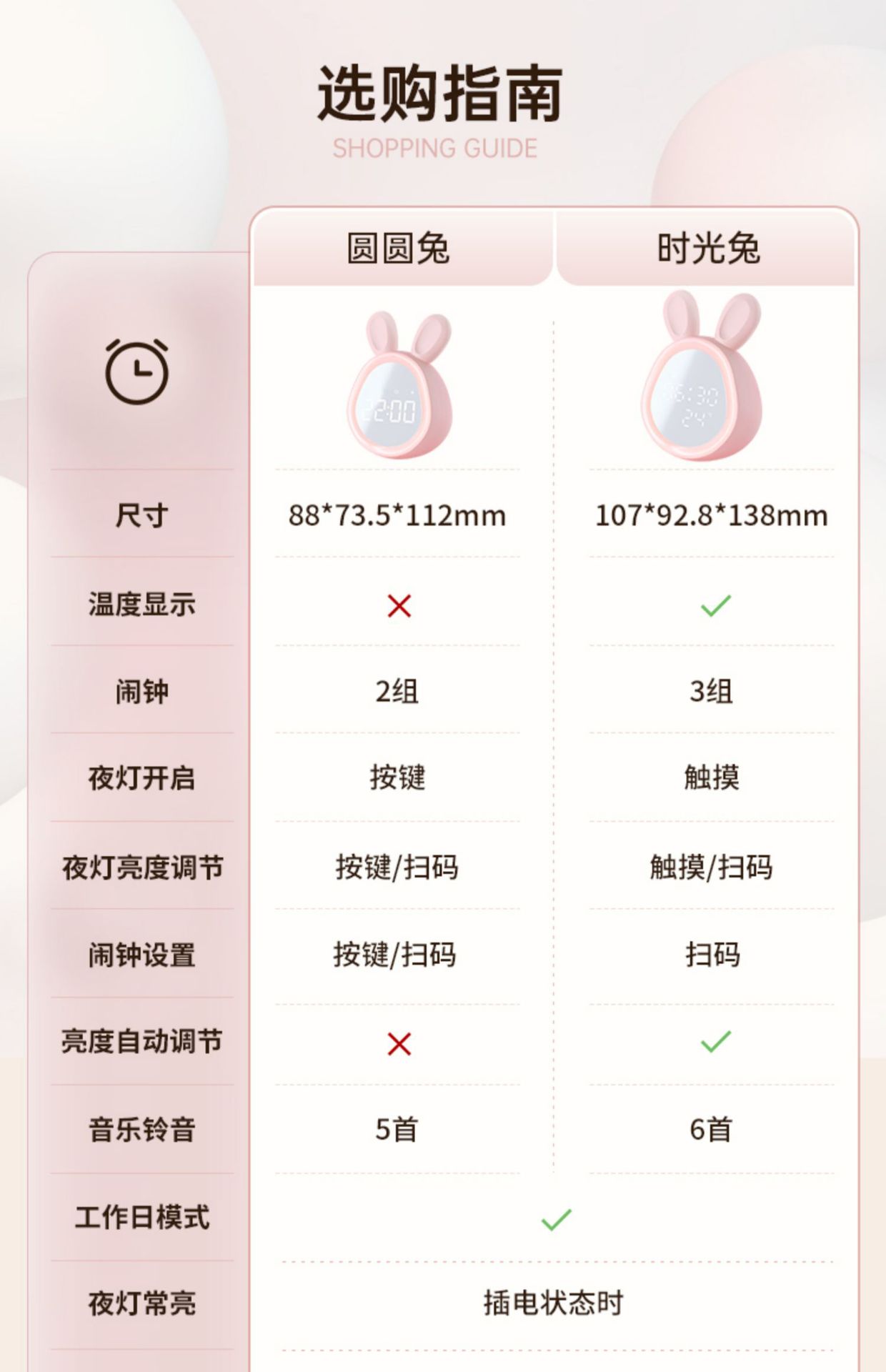
[Time Rabbit] Product size: 10.7*9.3*13.8cm color box size: 14.2*11.4*15cm
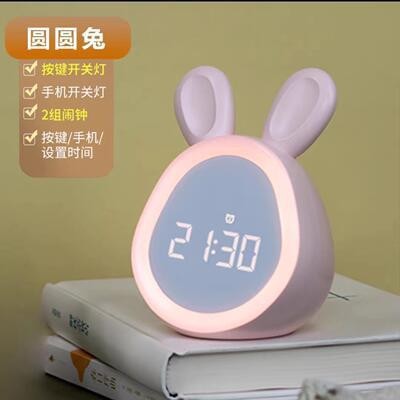
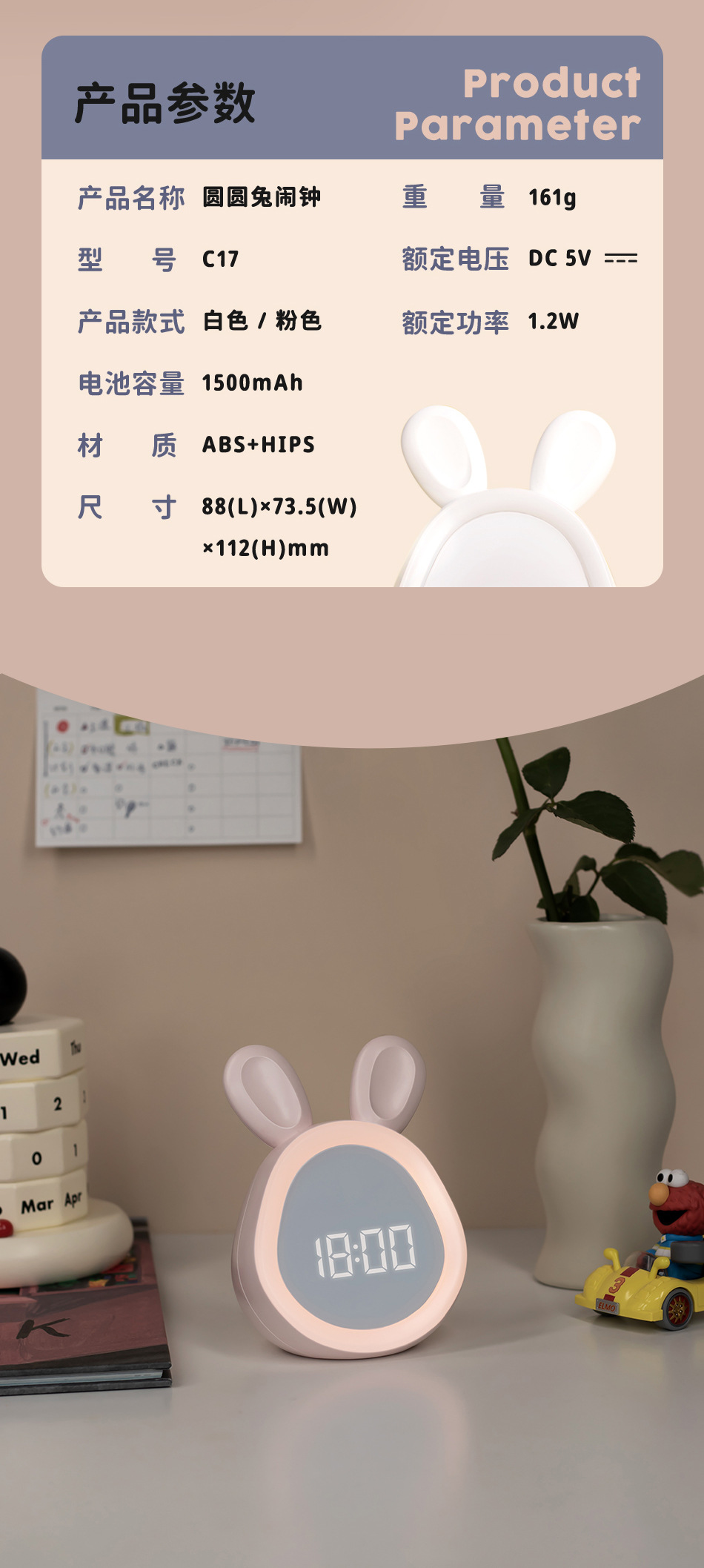
[Yuanyuan Rabbit] Product size: 8.8*7*11.2cm Color box size: 9.1*7.3*12.3cm
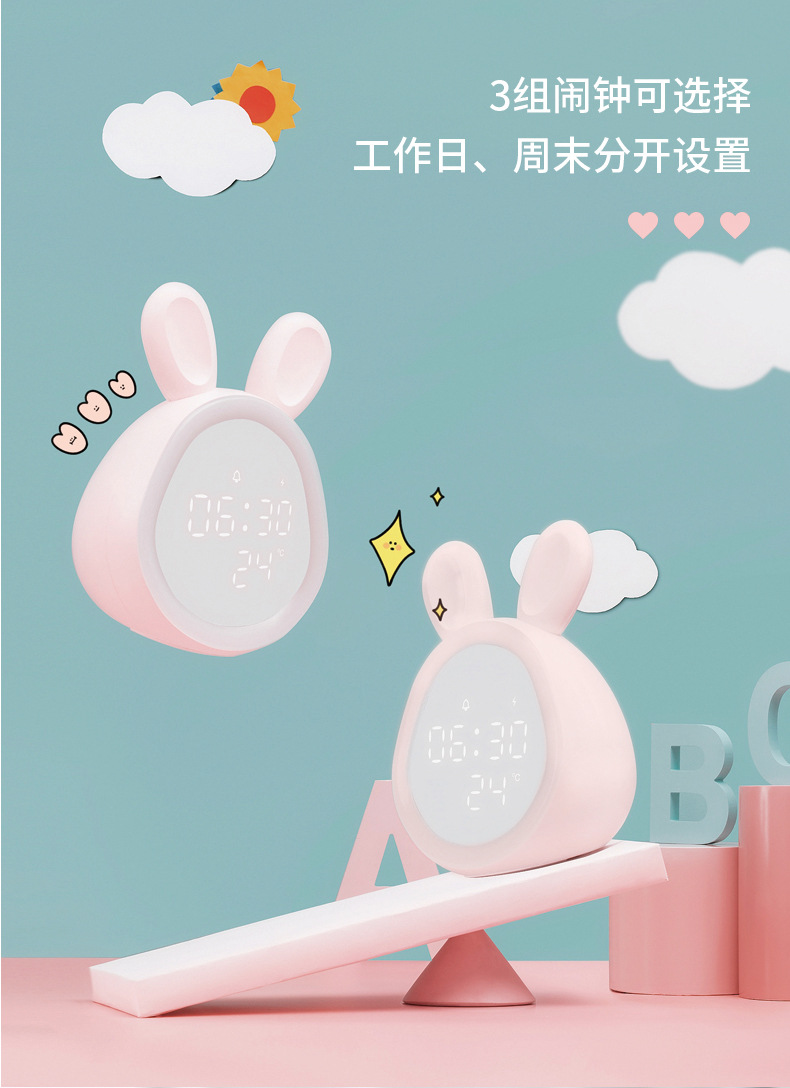
[Time Rabbit] can only be set by mobile phone. It has temperature function and can set 3 sets of alarm clocks. It can switch vibration mode/silent mode/ring mode.
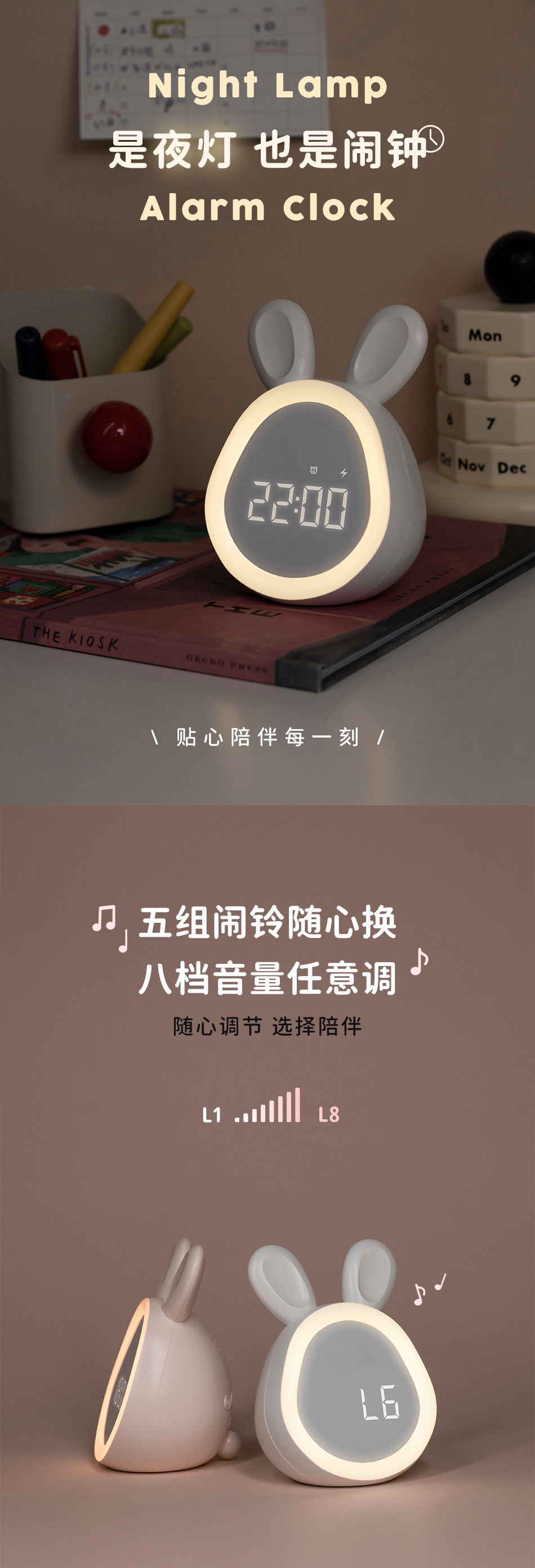
[Yuanyuan Rabbit] can be set by buttons or by mobile phone. It does not have a temperature function and can only set two sets of alarm clocks. It cannot switch between vibration mode/silent mode/ring mode. It can only be set in ring mode.
Retail limit: 89
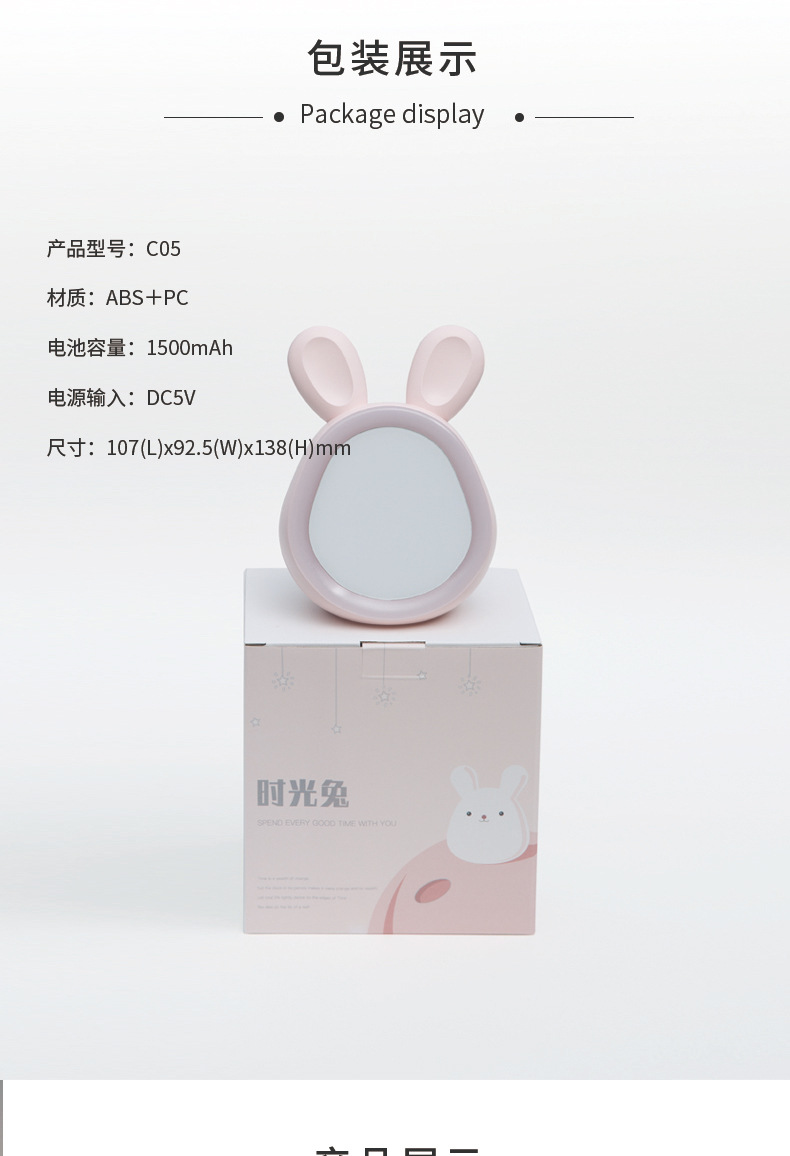
Product model: C05
Product material: ABS+PC
Product power: 1W
Light color temperature: 3200k
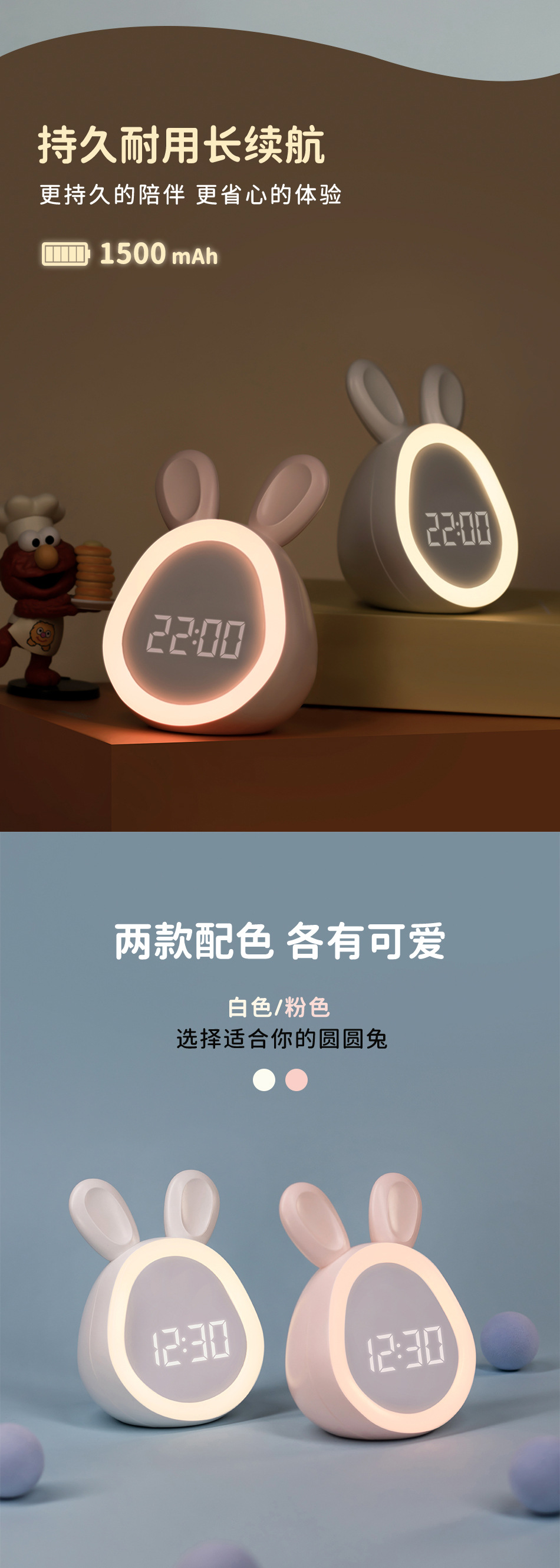
Battery capacity: 1500mAh (polymer lithium battery)
Voltage input: DC5V1A
Rated current: 0.25A
Rated power: 0.8W (8*0.1W/LED module)
Implementation standard: GB7000.1-2015
GB7000.204-2008
GB/T22777-2008
Product weight: 231g (net weight), 351g (Mao weight)
Product size: 107*93*138mm
Color box size: 142*114*150mm
Number of packing: 40pcs
Dacking weight: 15.1kg
Dacking size: 60*60*32cm
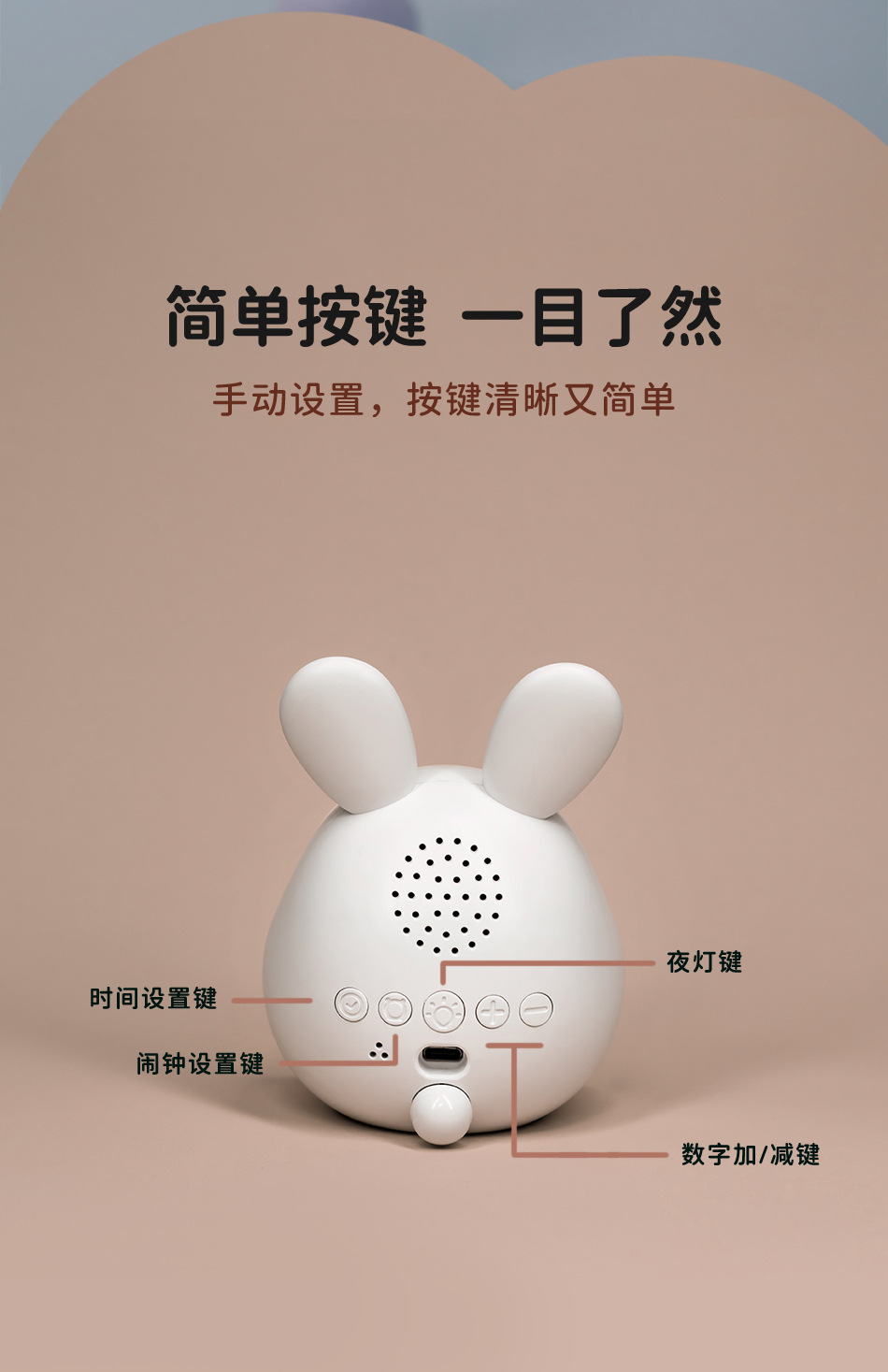
Instructions for use of keys
Charging instructions: Changliang (charging), extinguishing (full), flashing (not enough power)
Shut down: hold down the time piece and the alarm piece at the same time
Night light conspicuous/dimming key (touch the ear)
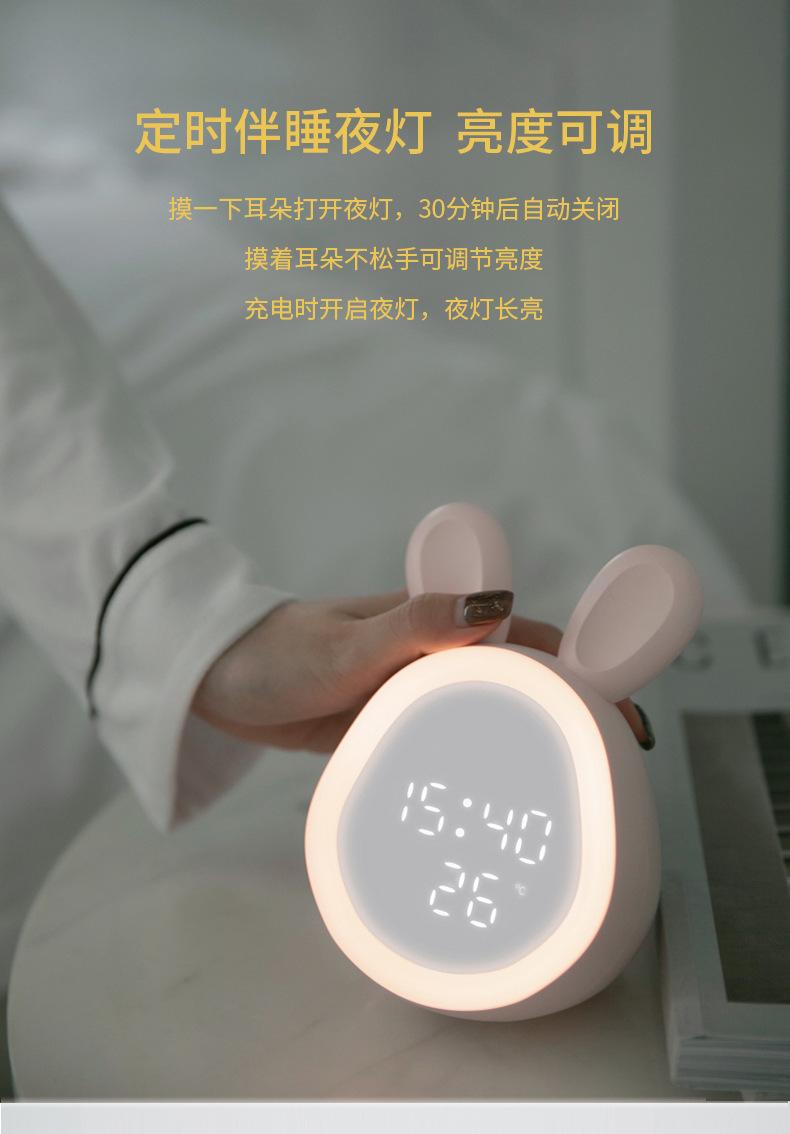
Short press-On/Off the night light; (Originally turn off after 30 minutes)
Long press - adjust the brightness of the night light.
Mode switch (wave switch)
On the left: The light reminder mode does not ring, and the light breathing flashes prompts;
Middle: Silent mode does not ring and no light prompts;
Right: Ring prompt in ringing mode.
Number plus/minus salty keys
Press and hold the button to switch degrees Celsius and degrees Fahrenheit;
Short press to adjust the volume;
When setting the time and alarm clock, adjust the size of the number.
Time settings
Long press to enter the 12/24 hour switch and time settings
Alarm clock settings key
Short press to view the alarm clock, long press to enter the alarm clock settings.
Product activation
Please charge and activate the product when using it.
Alarm display mode
Long -light mode: external USB power supply power supply, the display screen is long.
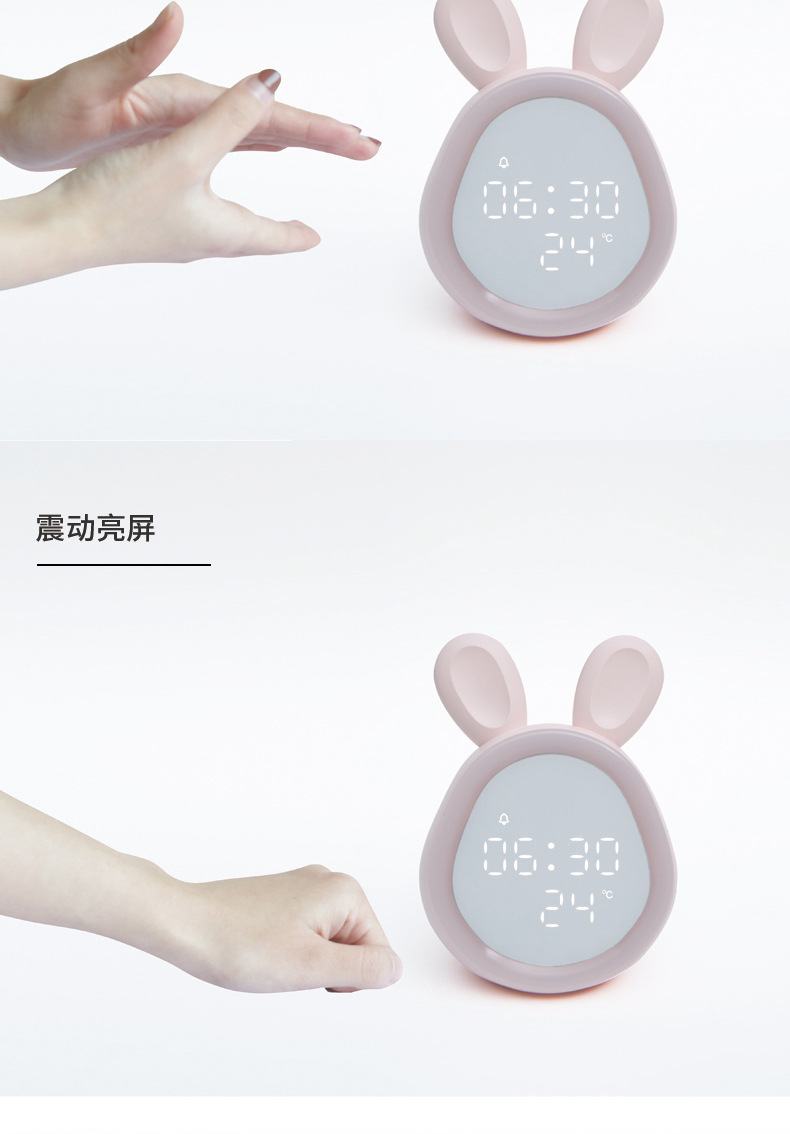
Energy-saving mode: When there is no external power supply, the display screen will be turned off. If you tap the product or make a sound, you can wake up the display screen. The display screen will be turned off in 10 seconds.
Time setting
After the product is activated, set the time in the following order.
Press and hold the time setting key to flash the display screen 24H, press the + and - keys to switch to the 12/24-hour time.
Set the key, display the shot again, the display“Hour”The position flashes, press the + and - keys to adjust the hour.
Press the time setting key again to enter the minute setting, the display screen“minutes”The position flashes, press the + and - keys to adjust the minutes.
Press the time setting key again to confirm and complete the time setting.
Alarm clock opening and closing
Press the alarm setting key for a short time to select the alarm clock to turn on/off.
Then press the plus key to turn on/off the alarm clock, wait for 5 seconds and then automatically jump back to the clock interface.
Alarm setting
Press the alarm setting key for a short time to select alarm 1 or alarm 2.
Press and hold the alarm setting key to enter settings.
After short pressing the alarm setting key,“clock”The position flashes, press the + and - keys to adjust the clock.
Press the alarm setting key for a short time to enter the minute setting, the display screen“minutes”The position flashes, press the + and - keys to adjust the minutes.
After the settings are completed, press the alarm setting key for confirmation.
Sleeping settings
When the alarm clock rings, press any key for a short time to enter snooze. After 5 minutes, ring again. Press any key for a short time to enter snooze, which can be infinitely snooze.
When the alarm clock is ringing, long press the arbitrary key to close the sleep.
Sleeping settings
Press the night light switch/dimming key for a short time to turn on the night light and it will automatically turn off after 30 minutes.
Instructions for use of mini program
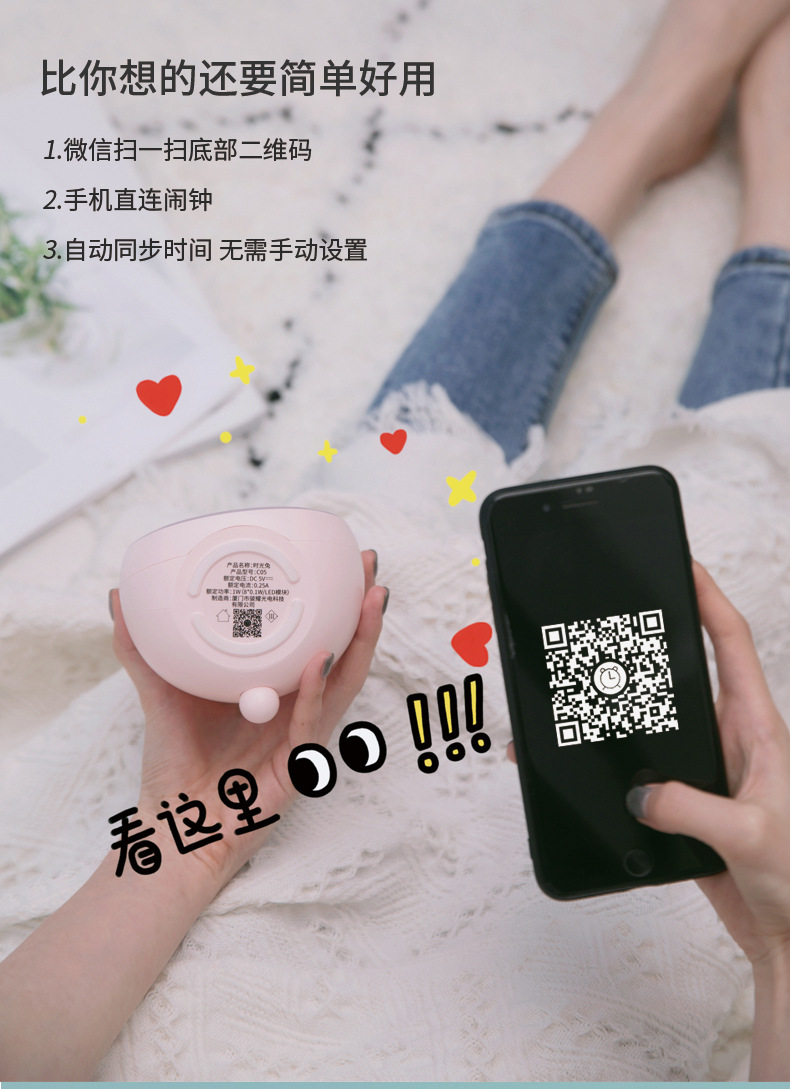
1. Open the mobile phone Bluetooth function.
2. Open WeChat and scan the QR code at the bottom of the alarm clock or on the instruction manual.
3. Keep the alarm clock display light up.
4. Click Connect and enter the alarm settings.
5. Press any key for a short time to enter snooze.
6. Press the alarm key for a short time to select the current alarm clock, and then press the function key for a long time to turn off/on as the group alarm clock on the day.
Connection
1. The phone must turn on Bluetooth and positioning.
2. Only when the display is on, the applet can search for connection to the device.
Mobile interface settings
Automatically match the room
Only the applet can be connected instantly to synchronize the time, and the applet must be disconnected and reconnected before the time can be synchronized again.
Set alarm clock
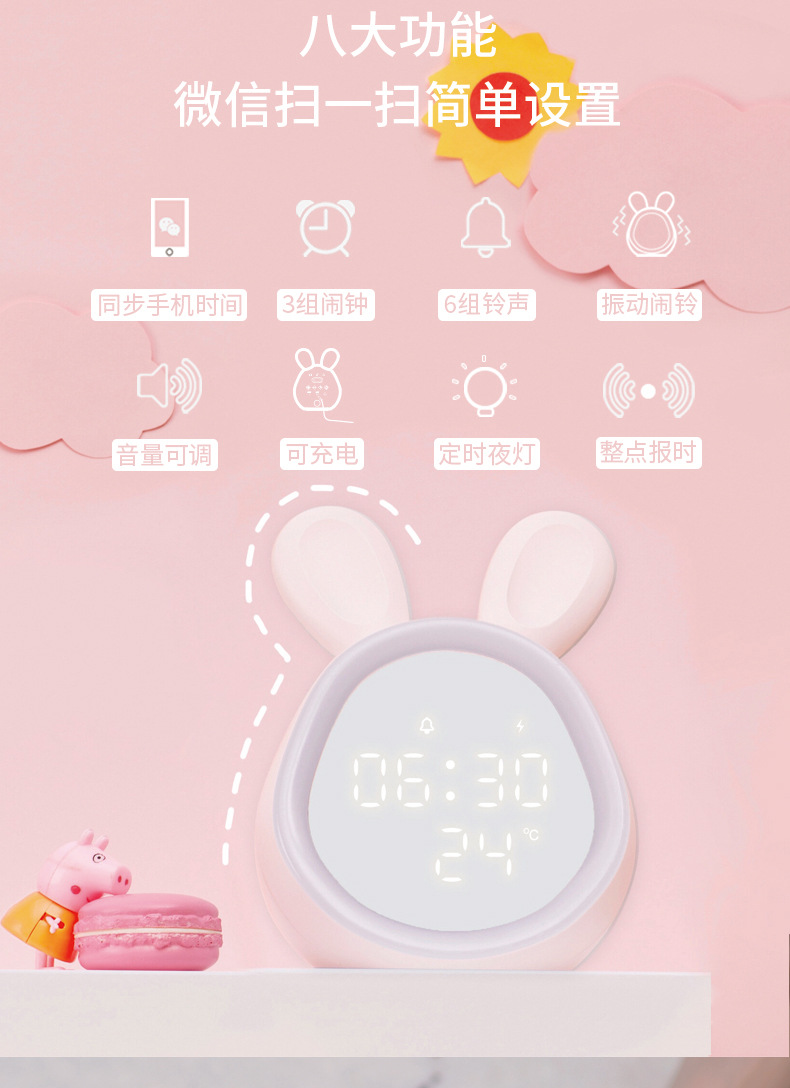
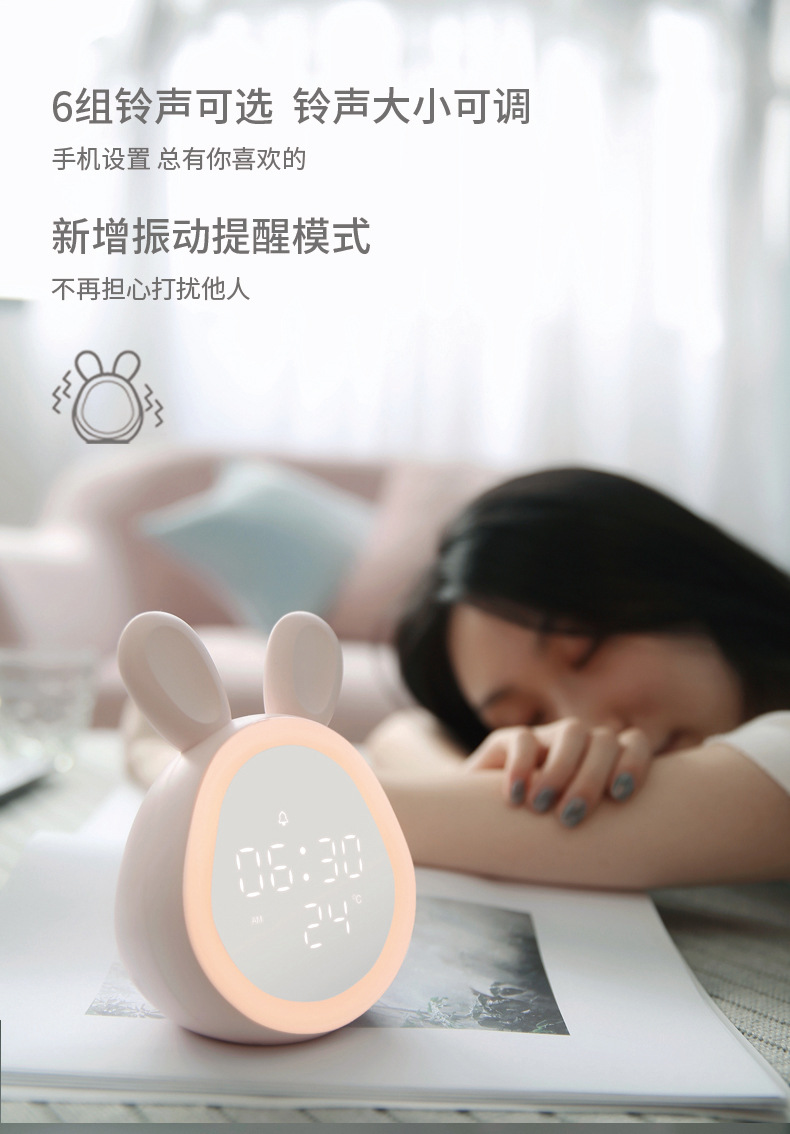
Alarm volume adjustment, repeat date selection, 6 sets of ringtone selection, and snooze function switch.
Function switch
Display brightness adjustment, 24-hour switch, night brightness automatic adjustment switch, hour-point time-reporting switch, night light switch.
Display brightness
1. Adjustable brightness.
2. Automatically reduce brightness from 20:00 to 6:00, and automatically restore after 6:00
Night lamp
It will automatically turn off 30 minutes after turning on the night light and will turn on for a long time when charging.
time
24/12 hour time switching display.
temperature
Temperature range: -22~58 degrees Celsius.
Night light switch/dimming key
Short press: Turn on/off the night light.
Long press: Adjust the brightness of the night light.
When the alarm clock rings:
Short press/long press to enter snooze.
Mode switch
Ring mode: The alarm clock time is up, ringing.
Silent mode: completely silent, no ringing or vibration.
Vibration mode: The alarm clock time is up, vibrate.
Blind
Short press: The alarm clock ring sound volume increases.
When the alarm clock rings: short press/long press will enter sleep.
Volume reduction
Short press: The alarm clock ring sound volume decreases.
When the alarm clock rings:
Short press/long press to enter snooze.
Function key
When viewing the alarm clock, press and hold the function key to turn on/off the next ring of the alarm clock, and then automatically resume the alarm clock.
When the alarm clock rings: short press to enter sleep, long press to turn off the alarm clock.
There is no solution to search for alarm clock
1. Open the Bluetooth switch of the mobile phone.
2. Turn on the WeChat positioning permission. The method is: enter the phone settings-application-permission management-WeChat-location information switch (different models of mobile phones may be slightly different).
3. Turn on the GPS switch of the mobile phone, and turn on the GPS switch: Go to the mobile phone settings-security and privacy-location services-access my location information switch, or open it through the drop-down shortcut (different models of mobile phones may be slightly different).
4. The alarm clock is turned off again, and then retrieves.